




Introduction
Managing tasks, deadlines, and collaboration has become increasingly complex in modern work environments. Teams often rely on multiple tools for project management, communication, documentation, and time tracking, which can lead to inefficiency and confusion. ClickUp was created to solve this problem by bringing everything into one unified productivity platform. It is designed to help individuals and teams plan work, stay organized, and improve overall efficiency.
What Is ClickUp?
ClickUp is a cloud-based productivity and work management platform that allows users to manage tasks, projects, documents, goals, and communication from a single workspace. It is built to be highly customizable, making it suitable for teams of all sizes and industries.
The platform focuses on flexibility, allowing users to tailor workflows according to their specific needs rather than forcing them into a rigid system.
How ClickUp Works
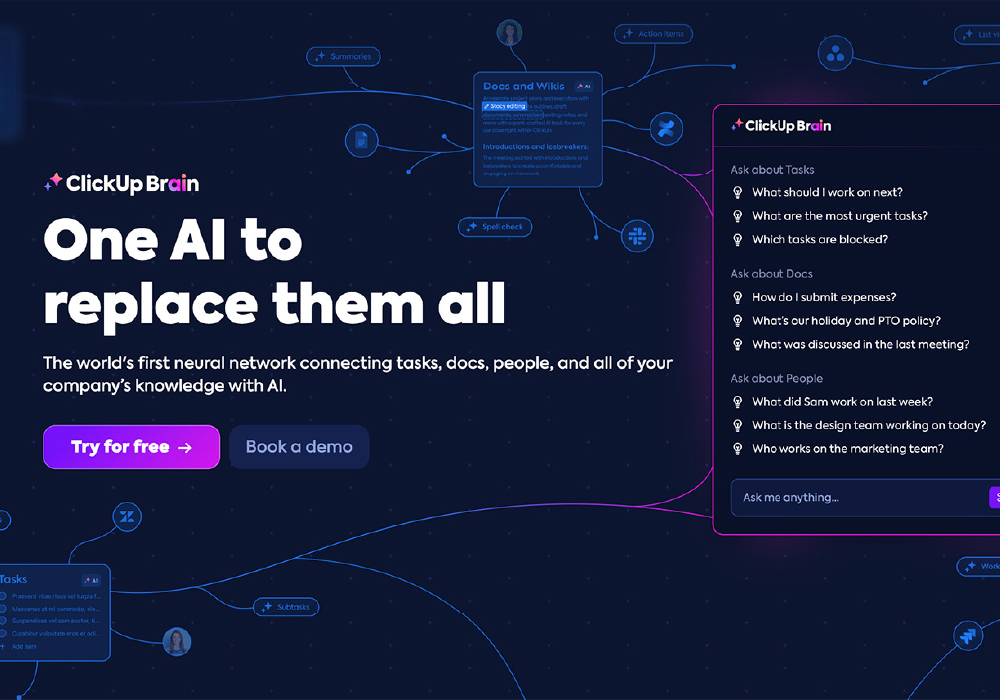
ClickUp organizes work into spaces, folders, and lists, giving users a structured yet adaptable framework. Tasks can include details such as priorities, due dates, assignees, checklists, and attachments. Users can view their work in different formats, including list views, boards, calendars, and timelines.
This flexibility allows teams to choose how they want to visualize and manage their work.
Key Features of ClickUp
ClickUp offers a wide range of features designed to improve productivity:
- Task and Project Management with detailed customization
- Multiple Views such as list, board, calendar, and timeline
- Built-in Documentation Tools for notes and collaboration
- Goal Tracking to measure progress and performance
- Automation and Integrations to reduce manual effort
These features make ClickUp a comprehensive solution for work management.
Benefits for Individuals and Teams
ClickUp helps individuals stay focused by organizing tasks and priorities in one place. For teams, it improves coordination by providing visibility into who is working on what and when tasks are due.
Managers can track progress, identify bottlenecks, and adjust workloads more effectively. This leads to better planning and more predictable outcomes.
Customization and Flexibility
One of ClickUp’s strongest advantages is its high level of customization. Users can create custom fields, statuses, and workflows that match their processes. This makes ClickUp suitable for a wide range of use cases, from simple to complex projects.
Teams can start small and gradually build more advanced workflows as their needs evolve.
Collaboration and Communication
ClickUp includes built-in collaboration tools such as task comments, mentions, and shared documents. This reduces the need to switch between multiple communication platforms.
By keeping conversations connected to tasks, ClickUp helps teams maintain clarity and reduce miscommunication.
Productivity Through Automation

Automation plays an important role in ClickUp’s productivity features. Users can automate repetitive actions like task assignments, status changes, and reminders. These automations save time and ensure consistency across workflows.
Over time, automation helps teams work more efficiently and focus on higher-value tasks.
Use Cases Across Different Industries
ClickUp is used by teams in marketing, software development, operations, education, and more. Marketing teams plan campaigns, development teams manage sprints, and educators organize lesson plans.
This versatility makes ClickUp a popular choice for both professional and personal productivity needs.
Ease of Use and Learning Curve
While ClickUp offers many features, new users may need time to explore its full capabilities. The platform provides templates and guides that help users get started quickly.
Once set up, ClickUp becomes a powerful daily tool that supports structured and organized work habits.
Remote Work and ClickUp
As remote and hybrid work continue to grow, ClickUp supports collaboration across locations. Teams can stay aligned through shared dashboards, real-time updates, and centralized documentation.
This makes it easier to maintain productivity even when teams are distributed.
Limitations and Considerations
Due to its extensive feature set, ClickUp may feel overwhelming at first. Teams should focus on essential features initially and expand usage gradually to avoid complexity.
Using ClickUp effectively requires clear processes and consistent usage across the team.
Final Thoughts
ClickUp offers a unified approach to productivity by combining task management, collaboration, and documentation into one platform. Its flexibility and customization make it suitable for a wide range of users. For those looking to streamline work and improve efficiency, ClickUp provides a powerful and adaptable productivity solution.
Visit Site