






In today’s fast-paced digital world, collecting data, feedback, payments, or registrations online is essential—but building forms and automating workflows can be complicated and time-consuming. Traditionally, it required technical expertise, custom software, or lengthy setups.
Jotform changes that. This all-in-one online form and workflow platform allows anyone to create, customize, and automate forms without writing a single line of code. Trusted by over 35 million users worldwide, Jotform makes it easy to design interactive forms, collect data, and integrate seamlessly with the tools teams already use.
This article explores why Jotform is a go-to solution for individuals, businesses, and enterprises, its core features, and how its pricing supports users of all sizes.
Why Jotform Matters Today
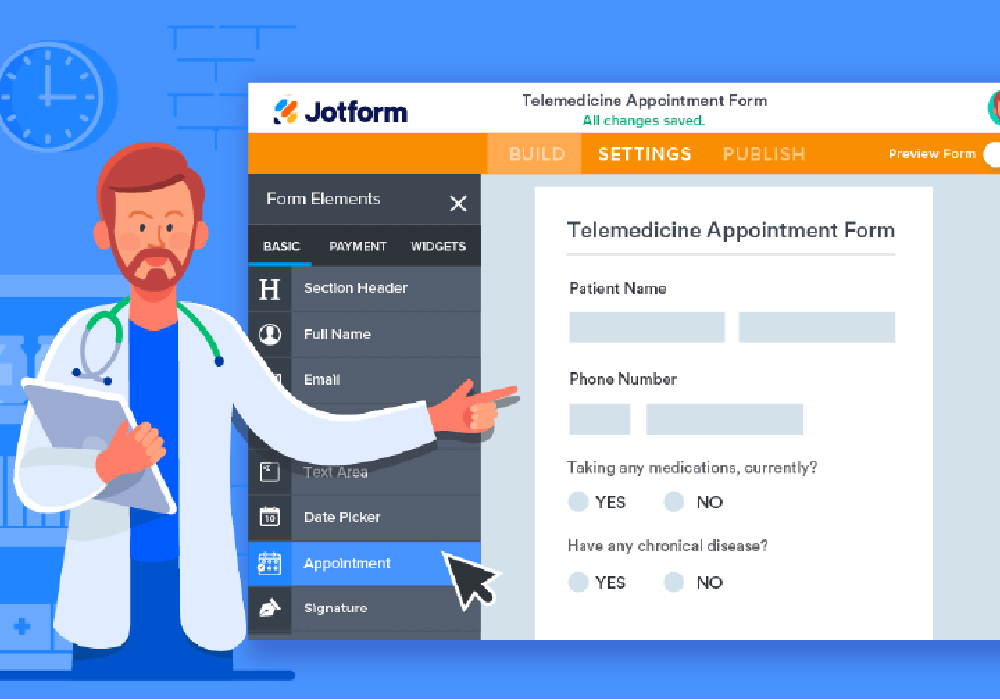
Forms are more than just fields and checkboxes—they’re the backbone of digital workflows. They help organizations:
- Collect leads and feedback
- Process event registrations
- Accept payments and donations
- Run internal requests and HR processes
With Jotform, anyone can build professional forms quickly, automate workflows, and streamline data collection. The platform empowers teams to focus on insights and action rather than manual processes or technical hurdles.
Jotform’s Key Features
1. Drag-and-Drop Form Builder
Easily create forms from scratch or start with pre-built templates. No coding needed.
2. Advanced Conditional Logic
Show or hide fields, route responses, and personalize the form experience based on user input.
3. Integrations with 150+ Apps
Connect forms to Google Sheets, Slack, Salesforce, Dropbox, Zoom, and more to automate workflows.
4. Payment Collection
Collect payments through Stripe, PayPal, Square, Apple Pay, and other gateways.
5. AI-Powered Tools
Generate forms using AI, automate responses, and streamline lead qualification and scheduling.
6. Workflow Automation & Jotform Tables
Turn form submissions into interactive tables, dashboards, and automated processes.
7. Mobile & Offline Capabilities
Collect data from anywhere; sync submissions automatically once connected.
8. Secure & Compliant
HIPAA-compliant forms, SSL encryption, and enterprise-grade security options for sensitive data.
How Jotform Works
- Choose a Template or Blank Form – Start quickly with thousands of customizable templates.
- Customize with Drag-and-Drop – Add fields, widgets, branding, and logic.
- Integrate Your Tools – Link your form to apps, CRMs, email campaigns, or storage solutions.
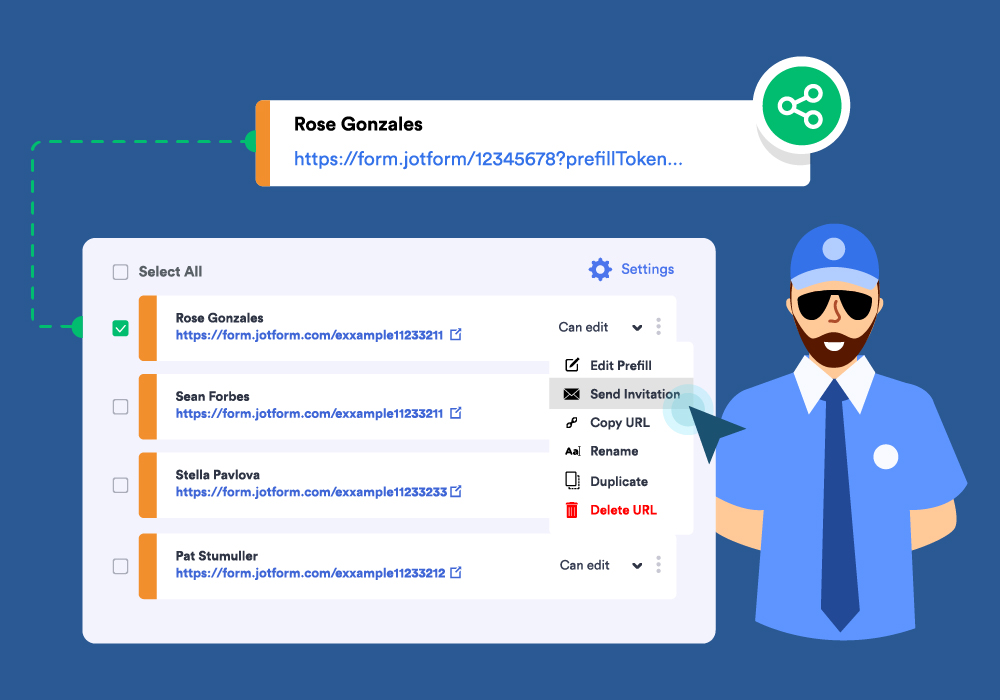
- Publish Anywhere – Share via links, embed on websites, or distribute through email.
- Automate Workflows – Set notifications, approvals, and dashboards for real-time data action.
Flexible Plans for Any User
Jotform offers tiered pricing to fit individuals, growing teams, and large enterprises:
- Starter (Free) – 5 forms, 100 submissions/month, 100MB storage
- Bronze (~$34–$39/mo) – Up to 25 forms, 1,000 submissions, payment integration
- Silver (~$49/mo) – 50 forms, 2,500 submissions, advanced widgets & team features
- Gold (~$99/mo) – 100 forms, 10,000 submissions, priority support & automation
- Enterprise (Custom) – Unlimited forms & submissions, SSO, advanced security, dedicated support
Discounts are available for educational institutions and nonprofits.
Who Benefits From Jotform
- Small businesses & startups – Collect leads, payments, and orders.
- Marketing teams – Gather feedback, surveys, and analytics.
- HR & operations – Manage applications, approvals, and internal workflows.
- Healthcare & education – Ensure HIPAA compliance and secure data collection.
- Enterprises – Automate complex workflows across multiple departments.
Conclusion: More Than Just Forms
Jotform transforms form building into a powerful, accessible workflow and automation platform. With drag-and-drop simplicity, AI-powered tools, extensive integrations, and scalable plans, it’s perfect for individuals, teams, and enterprises alike.
From collecting data to automating workflows, Jotform empowers users to act on insights, save time, and work smarter—without ever touching code.
Visit Site