



Building a web or mobile application used to require coding skills, server management, and months of development. Now, Bubble enables anyone — founders, designers, or entrepreneurs — to create full-featured applications visually, without writing a single line of code. From marketplaces and SaaS products to internal dashboards and community platforms, Bubble empowers users to launch functional software quickly and efficiently.
Why No-Code App Development Matters
Digital products are essential in today’s world:
- SaaS platforms, dashboards, and CRMs
- Marketplaces and booking systems
- Community websites and member portals
Traditionally, building these required hiring developers, managing infrastructure, and long timelines. Bubble democratizes software creation by giving anyone the ability to design, build, and launch apps visually — from idea to deployment.
Bubble’s Core Features
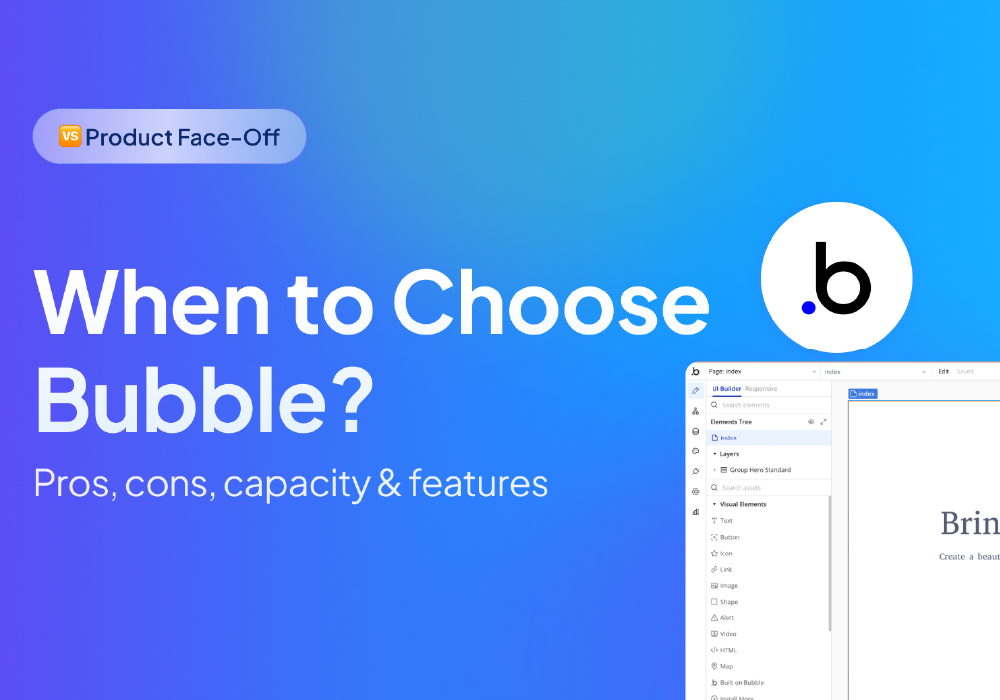
Visual Drag-and-Drop Editor
Design responsive interfaces by dragging UI elements, similar to tools like Figma, but fully interactive.
Full-Stack Capabilities
Manage databases, backend workflows, and user authentication all in one platform — no servers required.
Workflow Automation & Logic
Define app behavior, notifications, and data processes with visual workflows.
AI & No-Code Tools
Use AI to generate forms, logic, or app components, accelerating prototyping and development.
Plugins & Integrations
Connect to external apps, APIs, and services for payments, analytics, messaging, and more.
Team Collaboration
Version control, branching, and shared editing make Bubble suitable for agencies and teams.
Deployment & Scaling
Launch apps on the web or as native mobile applications with built-in hosting and security.
How Bubble Works: From Idea to Live App
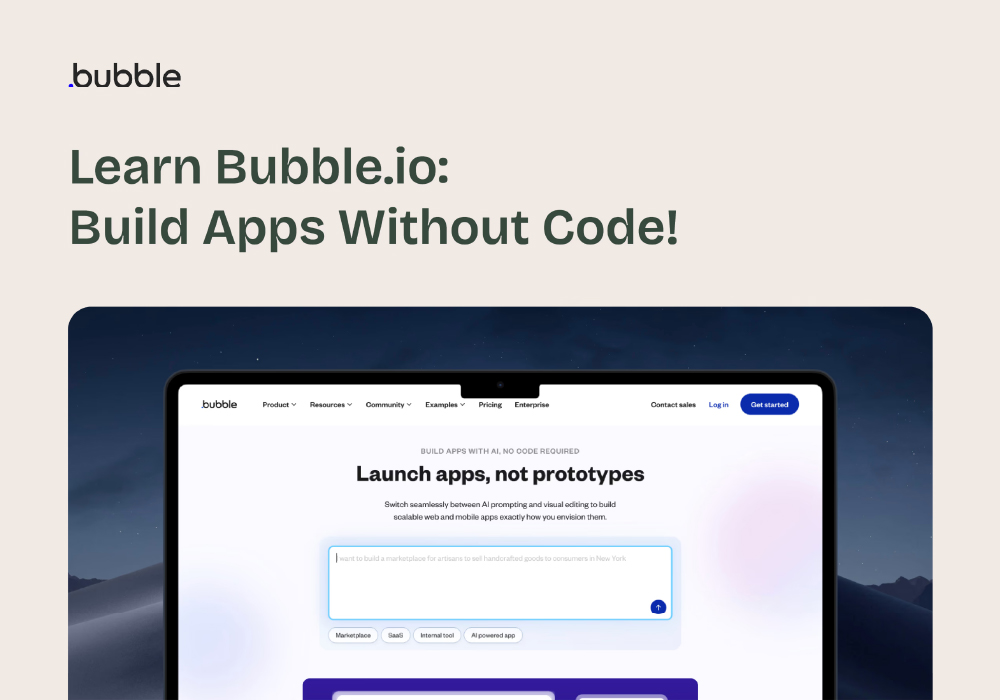
- Start with Templates or a Blank Canvas – Choose a template or begin from scratch.
- Design Interfaces Visually – Drag-and-drop elements and set responsive layouts.
- Model Data – Define databases and relationships for your app.
- Automate Workflows – Set triggers, logic, and API integrations.
- Preview & Test – See your app in real time.
- Deploy & Scale – Publish to the web or mobile app stores.
Flexible Pricing Plans
Bubble’s plans scale based on app usage and complexity:
- Free – Ideal for learning or prototyping, includes core editor and limited resources.
- Starter (~$59/month) – Custom domain, branding, recurring workflows, suitable for early launch apps.
- Growth (~$209/month) – More editors, version control, server capacity, for growing teams.
- Team (~$549/month) – Collaboration for multiple editors with advanced project management features.
- Enterprise – Custom plan with dedicated support, advanced security, and high-performance resources.
Who Benefits From Bubble
- Founders & Entrepreneurs – Build MVPs and launch SaaS products without technical teams.
- Agencies & Developers – Deliver apps to clients quickly without coding overhead.
- Internal Teams – Replace spreadsheets or manual processes with custom workflows.
- Nonprofits & Educators – Prototype dashboards, community platforms, and tools quickly.
Pros and Considerations
Pros:
- Build fully functional apps without coding
- Visual editor with full backend capabilities
- Scalable hosting and security built-in
Considerations:
- Workload-based pricing may increase for high-traffic apps
- Learning curve for complex workflows
- Code isn’t exportable, so migration to traditional stacks requires planning
Conclusion: Empowering Anyone to Build Software
Bubble turns ideas into real applications without the complexity of traditional coding. Its visual editor, workflow automation, AI tools, and scalable infrastructure make it perfect for individuals, teams, and enterprises alike.
Whether launching a new SaaS product, creating an internal tool, or building a marketplace, Bubble provides the tools to bring your vision to life — faster, easier, and without code.
Visit Site