



Presentations and visual communication play a central role in how we share information, persuade audiences, and educate others. Whether it’s a business pitch, classroom lecture, or virtual webinar, compelling visuals make your message memorable. Traditionally, building engaging presentations required linear slides, manual formatting, and technical design skills—resources many users find limiting.
Prezi is an AI‑powered, cloud‑based presentation platform that transforms how ideas are expressed and experienced. By ditching traditional slide decks and embracing an interactive, zooming canvas, Prezi empowers users to create visually engaging and non‑linear presentations that draw audiences into the story. With tools like Prezi AI, Prezi Video, and dynamic design templates, the platform makes presentation creation faster, more creative, and more impactful than ever before.
This piece explores why interactive presentation tools matter, how Prezi supports creators, and the features that make it suitable for students, professionals, and teams alike.
Why Interactive Presentations Matter Today
The way we share information has evolved. Static slides and bullet points are no longer enough to capture attention in a world of short attention spans and remote engagement. Audiences now expect story‑driven visuals, smooth flow, and memorable delivery.
Prezi flips the old presentation model on its head. Instead of clicking through linear slides, users work on an open, spatial canvas that lets them pan and zoom between topics, reveal context, and highlight relationships between ideas. This approach not only makes content more engaging but also helps audiences see the big picture and the details seamlessly.
A Canvas of Creativity: Dynamic Presentations & AI Tools
At the core of Prezi is its innovative presentation platform, built around visual storytelling rather than slide‑by‑slide sequencing:
- Interactive Canvas – Build presentations on a zoomable space that lets you navigate ideas non‑linearly.
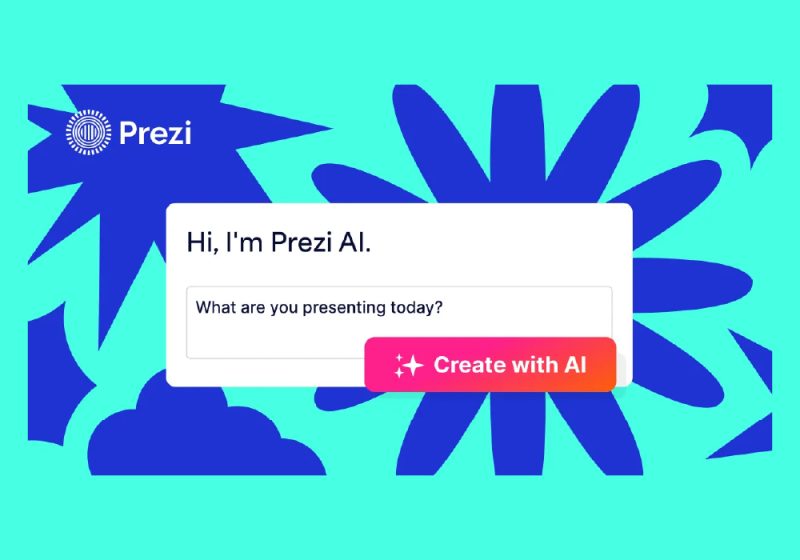
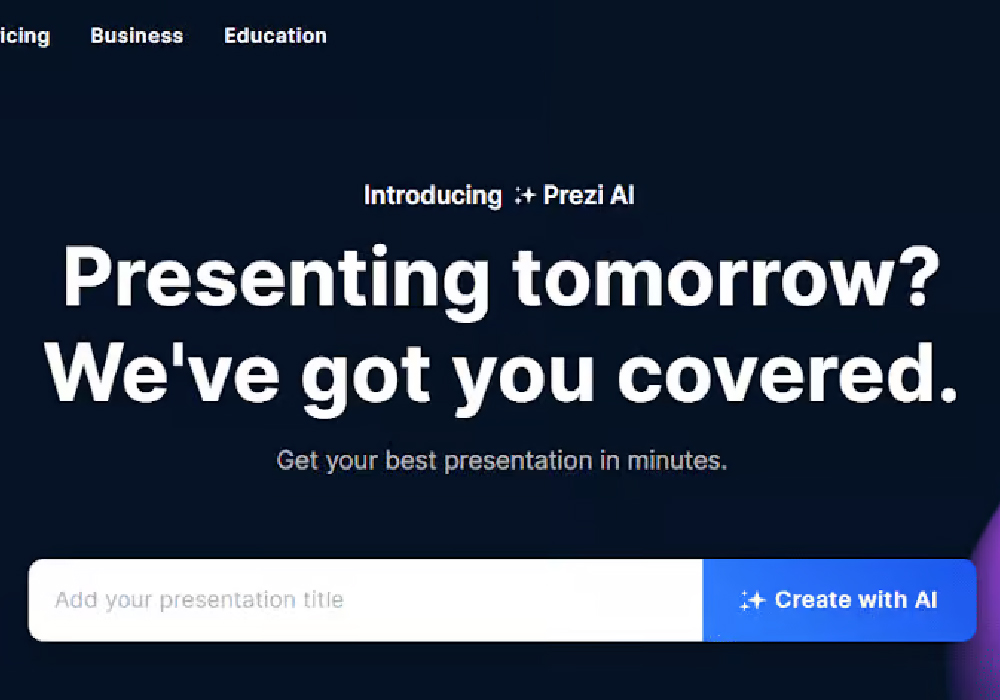
- Prezi AI – Generate complete presentations from prompts, outlines, or uploaded files with smart layouts, visuals, and structure.
- Prezi Video – Integrate your visuals with live or recorded video for hybrid and virtual presentations.
- Premium Visual Assets – Access millions of images, icons, and GIFs to enhance your message.
- Multi‑Format Support – Upload PowerPoint, PDF, or Word files and transform them into dynamic Prezi presentations.
These tools let users create presentations that are not only informative but interactive, memorable, and tailored to audience engagement.
From Concept to Delivery: Smooth AI‑Powered Workflow
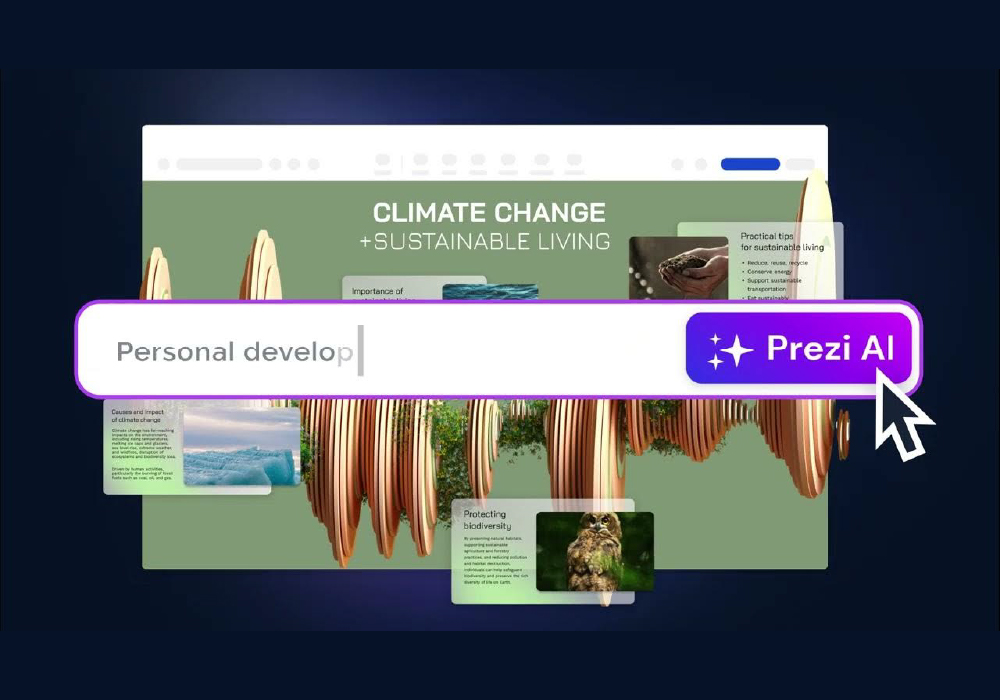
Prezi takes users from idea initiation to final delivery with AI assistance that speeds up workflow:
- Input Your Content – Type your topic, paste text, or upload files like PPT or PDF.
- Let Prezi AI Build It – AI structures an outline, selects visuals, and designs a dynamic layout.
- Refine the Story – Customize visuals, add animations, or edit text to match your voice.
- Present Anywhere – Deliver live in person, over video calls, or share an online link.
This real‑time creation and editing capability helps presenters communicate clearly and creatively without needing design expertise.
A Platform Built for Everyone
Prezi’s feature set supports a range of user needs:
- Students & Educators: Transform lessons into visual stories that keep learners engaged.
- Business Professionals: Create persuasive pitches, reports, and sales decks with analytics and collaboration tools.
- Remote Presenters: Use Prezi Video to blend visuals with live presentations on Zoom, Teams, and other tools.
- Creative Storytellers: Design immersive experiences that go beyond linear slides.
By lowering technical barriers and providing AI assistance, Prezi allows users of all skill levels to focus on communication and storytelling, not just design.
Flexible Access and Pricing Options
Prezi offers a range of plans to fit different needs and budgets:
- Basic (Free): Essential creation tools and limited public content with AI credits for generating talking points.
- Standard: Adds privacy controls, premium visuals, advanced editing, and shareable links.
- Plus & Premium: Unlocks unlimited AI usage, exports, offline access, analytics, and premium support.
- Teams & Business: Centralized billing, team collaboration, custom branding, and enterprise support.
Education plans offer further discounts for students and teachers, making Prezi accessible across academic and professional settings.
How Prezi Helps Different Creators
Prezi’s capabilities support diverse presentation workflows:
- Interactive Storytelling: Engage audiences with movement, zoom, and spatial context.
- AI‑Assisted Design: Remove design bottlenecks and create visuals quickly.
- Video Integration: Bring presentations to life in virtual or hybrid environments.
- Data & Visual Graphics: Enhance arguments with charts, maps, and interactive visuals.
This versatility makes Prezi a powerful tool for presenting complex ideas with impact.
Behind the Platform: How It Works
Prezi was founded in 2009 and is a cloud‑based presentation software that uses a zooming user interface (ZUI) instead of traditional slides. The platform emphasizes non‑linear storytelling, allowing presenters to navigate content spatially rather than step‑by‑step.
Today, Prezi includes tools like Prezi Present, Prezi Video, and Prezi Design (for infographics and visuals), all aimed at making communication visually richer and more interactive. The inclusion of Prezi AI helps automate design, layout, and visual selection so users can build presentations in minutes instead of hours.
Conclusion: Presentations That Captivate and Engage
Prezi represents a major evolution in presentation technology—moving beyond static slides to interactive, narrative‑driven storytelling. With its combination of AI tools, dynamic canvas, and multimedia integration, Prezi empowers users to convey ideas that are memorable, engaging, and visually compelling.
Whether you’re crafting your first talk, leading remote workshops, or presenting complex ideas to stakeholders, Prezi provides the tools, creative flexibility, and AI assistance to bring your message to life.
Presentations aren’t just slides—they’re stories, and Prezi helps you tell them.
Visit Site